Patrol · Security patrolling
Patrols that prove themselves.
A QR scan proves a phone was at the checkpoint. Patrol proves the right guard was. Every check-in is face-verified, geofenced and saved with a selfie.
How a check-in works
Four checks in a few seconds.
Guards keep the routine they know. The phone adds the proof.
Night round · Checkpoint 07
Library entrance
- Checkpoint QR scanned
- Face verified
- Inside geofence
- Audit selfie saved
Check-in logged
Who, where and when, with proof
- 01
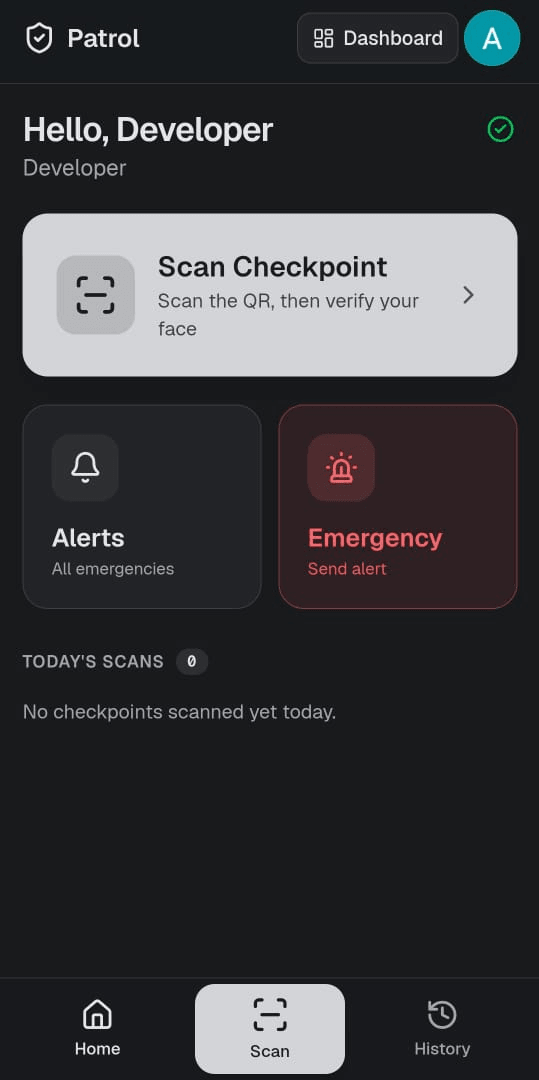
Scan the checkpoint QR
Each checkpoint has its own QR code carrying a secret token.
- 02
Verify the face
The phone matches the guard's face against their enrolled photo, right on the device.
- 03
Check the geofence
GPS confirms the guard is within the checkpoint's radius. Out of range, the scan is refused.
- 04
Save the proof
Time, place, distance from the checkpoint, the face match and an audit selfie go into the log.
Everything a security team needs
For guards on the ground, and the people who answer for them.
SOS
One tap sends the guard's location, with an optional note and photo, to the admins.
Flagged for review
If a face can't be matched, the guard can still check in. The scan is flagged for an admin to review.
Daily report
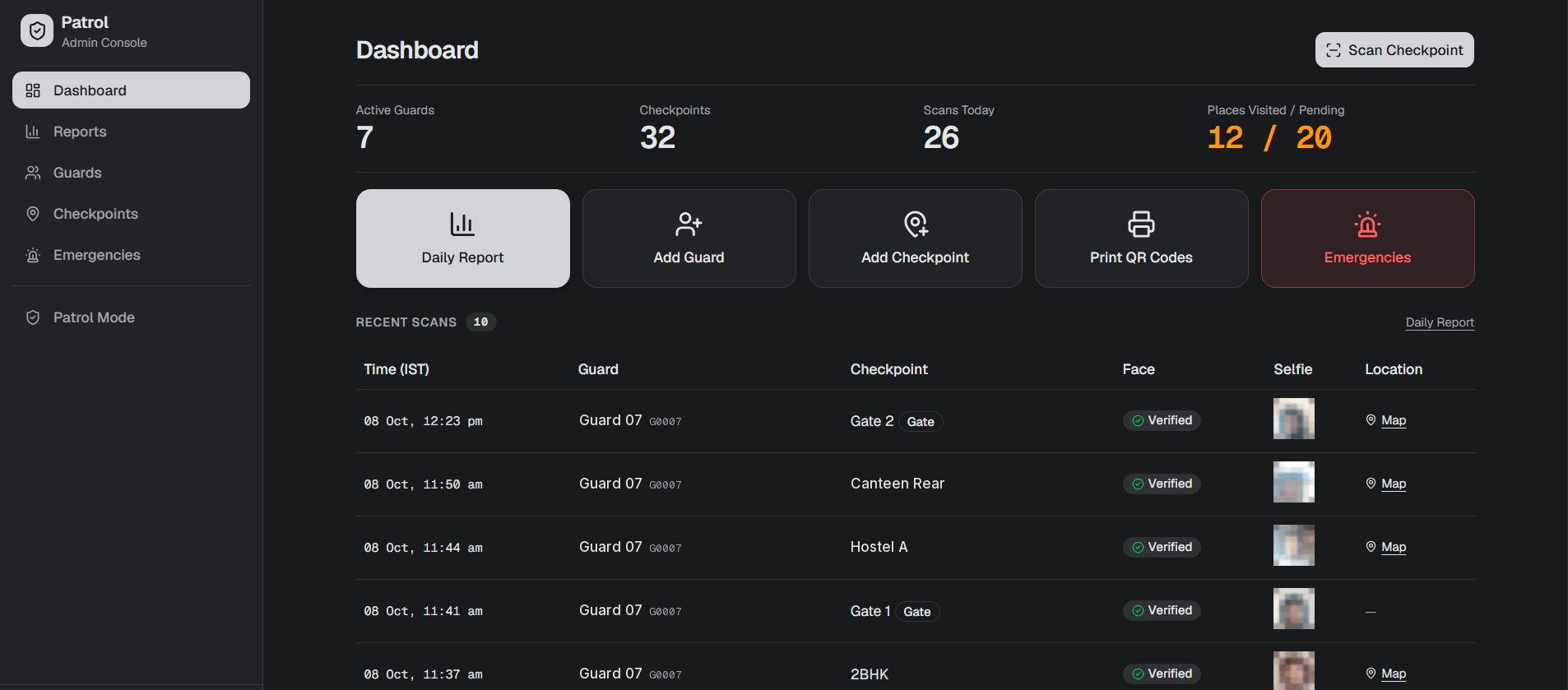
A printable PDF of the day's rounds, including the checkpoints nobody visited.
Admin dashboard
Scans today, places visited and places still pending, at a glance.
Face enrolment
Admins enrol each guard's face once. A face check identifies whoever is in front of the camera.
QR management
Print checkpoint QR codes, sort them into categories, and regenerate any code in a click.
Geofence per checkpoint
Turn geofencing on for the whole site or per checkpoint, each with its own radius (100 m by default).
Audit selfies
A photo is saved with every check-in, so there's never a question of who was there.
On the phones they have
An installable web app for guards' phones. No special hardware to buy.
Why it matters
QR alone can be gamed. Proof can't.
A photographed QR code, a borrowed phone, a scan from the guard room. Classic QR patrolling can't tell. Face verification and geofencing close those gaps, without changing the guard's routine.
Right checkpoint
Right guard
Right place
Make every round count.
Tell us how many checkpoints and guards you have. We'll walk you through a round on your own site.